Price from your costs, not from a guess
Under-pricing usually comes from a forgotten cost, not from bad math. The builder walks your labor, materials, overhead and contingency before any price appears.
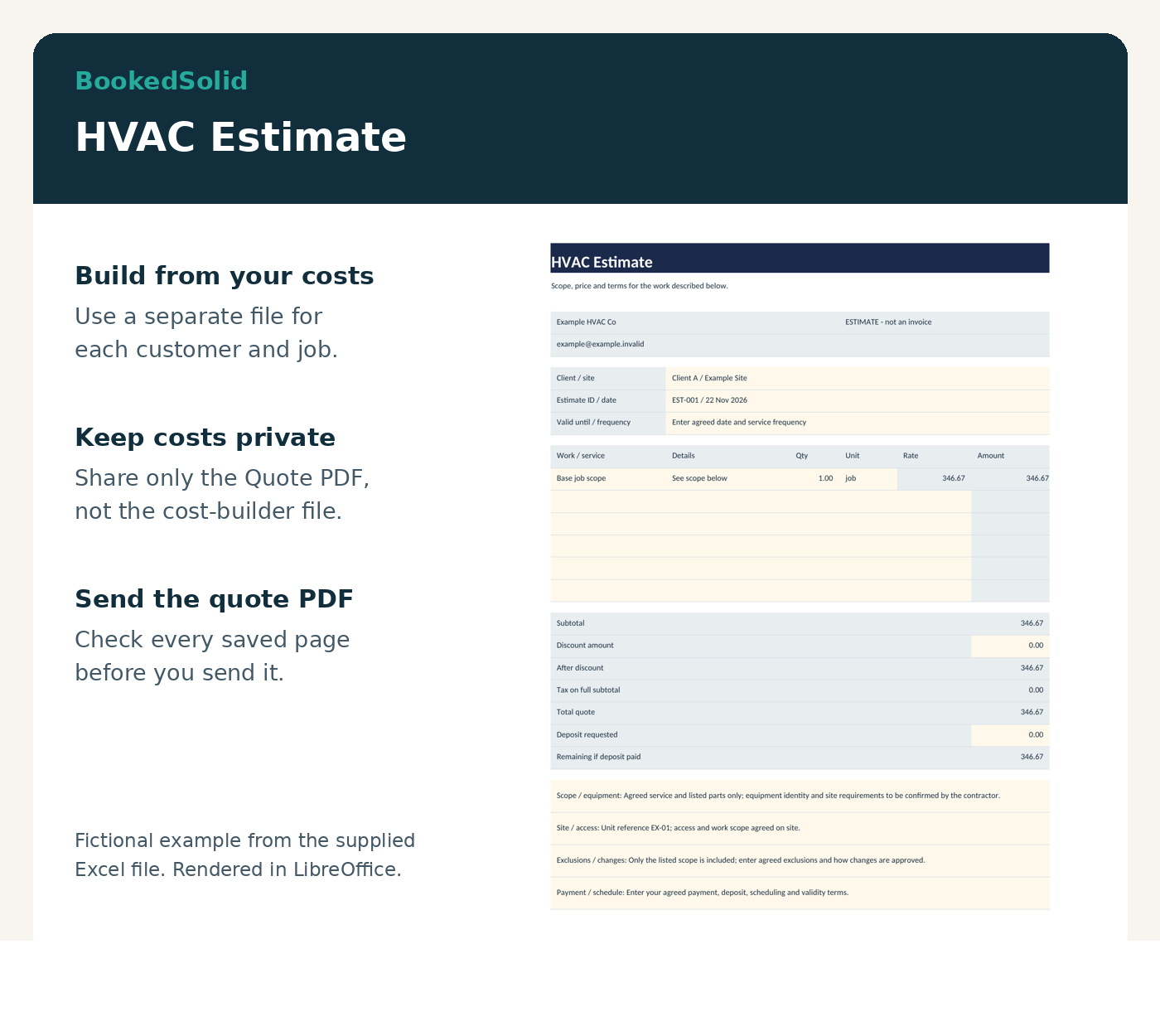
The suggested price uses your entered costs and target margin. The customer quote puts scope and terms in writing.
Good to know
- The suggested base price uses your cost divided by (1 minus target margin), rounded up to cents. Extras and discounts can change the final margin. Simple tax applies one rate to the full discounted subtotal, not mixed taxable and exempt lines. Review the quote before sending.
- Save an untouched business master first, then make a whole-workbook copy per quote before editing. Duplicated Quote tabs still share the same Cost Builder cells and do not build a job ledger.
- Use Excel-Mac-Guide.pdf for desktop Excel for Mac or Google-Sheets-Guide.pdf for the native Google Sheets edition. In Google Sheets, select Quote A1:F30 and print Selected cells, A4, Portrait, Fit to page. In Excel for Mac, select only Quote, then Active Sheets, A4, Portrait, one page wide by one page tall. Keep private costs and the internal Quote check out of the PDF.
- Long text is not guaranteed to fit. In a Google Sheets quote copy, make a clipped Details row taller and adjust print margins if needed. In Excel for Mac, long text may need shorter wording or layout review. Save and open the actual PDF; check every word of scope and terms, totals, readable layout and no private information before sending. A successful sample does not prove all text will fit.
- Not HVAC design or compliance software. It does not size systems, calculate heat loads, validate equipment compatibility, or verify permits, licensing, refrigerant handling or code compliance.
Choose the supplied Excel files or the separate native Google Sheets copy. Make a whole-file copy for each quote. Do not treat a converted file as the checked edition. Exact versions and limits belong in the package compatibility record.