Review revenue and entered costs by job
A full schedule can still hide a losing job once parts, refrigerant and drive time land. The tracker keeps every cost and every receipt against the job it belongs to.
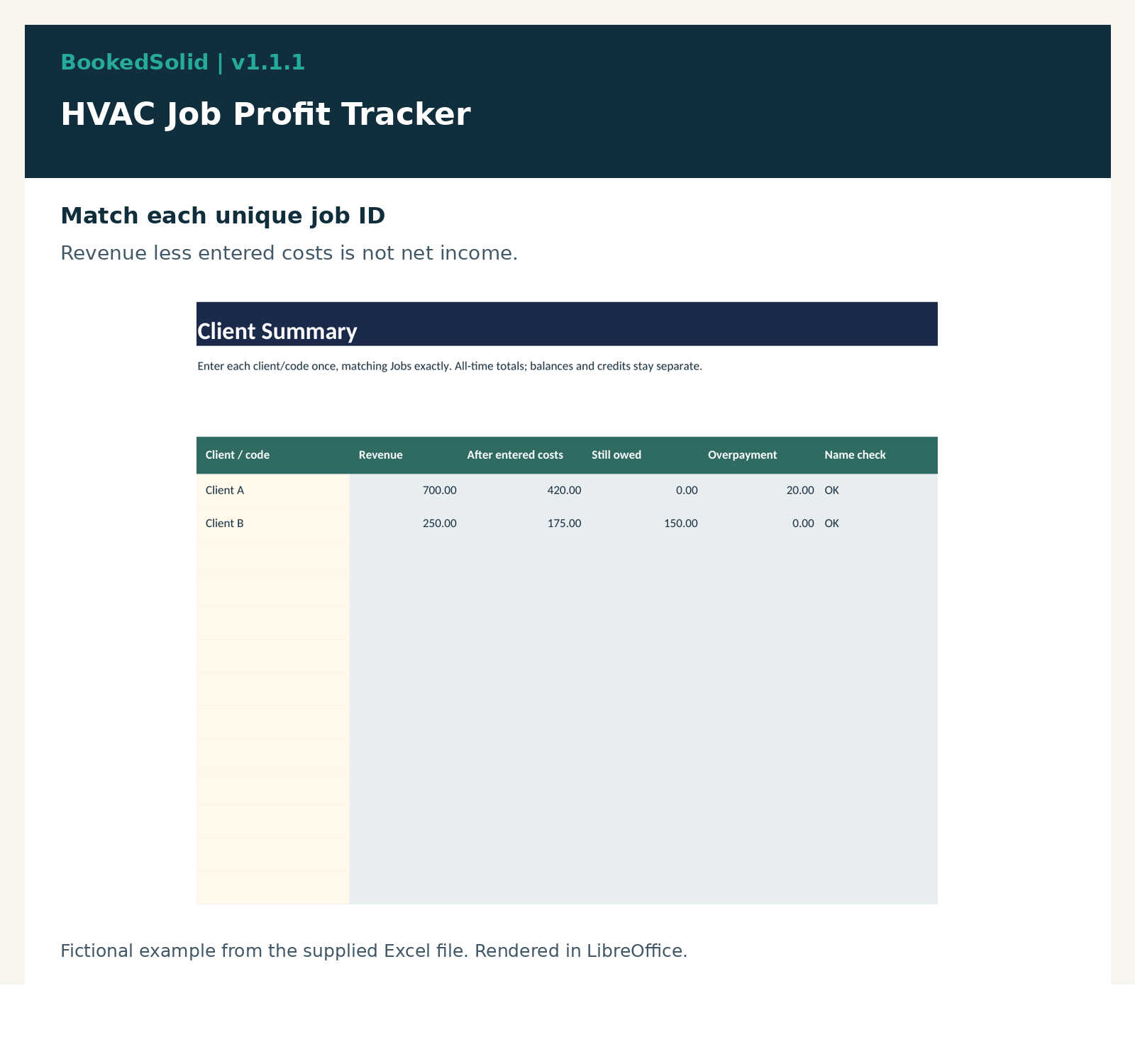
The dashboard turns that into one number per job and per client, so the next quote starts from evidence, not memory.
Good to know
- Revenue minus entered costs is not net income, take-home pay or bank cash. Enter owner labor, payroll burden and overhead yourself if you want them counted. Job totals follow the job date; receipts follow the actual receipt date. Overpayments stay separate, and negative refunds and sales-tax accounting are not supported. Review the Checks tab before relying on totals.
- Keep one ongoing tracker: save a working copy once and append each new job, never a new tracker per job. Quotes stay in separate whole-workbook copies of the estimate master; nothing transfers automatically. Enter the agreed price after discount and before sales tax, then actual costs and money received.
- Back up before the built-in rows fill up; no automatic rollover or carry-forward is included.
- Not HVAC design or compliance software. It does not size systems, calculate heat loads, validate equipment compatibility, or verify permits, licensing, refrigerant handling or code compliance.
Choose the supplied Excel files for Excel or the separate native templates for Google Sheets. Read the included compatibility record for tested workflows and limits.